








The Best Content Management Systems (CMS) for SEO: A Comprehensive Comparison

Contributed by
SaaS Hackers
In the competitive world of Inbound Marketing and B2B SaaS Marketing, optimizing your website for search engines (SEO) is paramount to driving organic traffic and enhancing online visibility. And therefore selecting the right Content Management System (CMS) is a pivotal step in achieving SEO success. In this article, we'll explore a variety of CMS options at your disposal, each possessing its own unique features for optimizing your website and boosting search engine rankings.
What Constitutes an SEO-Friendly CMS?
Before delving into the top CMS platforms for SEO, it's essential to grasp the fundamental qualities that make a CMS SEO-friendly:
1. Customization: The ability to customize metadata, URLs, and other on-page elements to cater to SEO requirements.
2. Mobile Responsiveness: A CMS should support responsive design to meet Google's mobile-first indexing criteria.
3. Page Speed: Faster-loading pages not only enhance user experience but also improve SEO rankings.
4. Structured Data: The CMS should facilitate the incorporation of structured data markup (Schema.org) to enhance search results.
5. Robust SEO Plugins/Extensions: Many CMS platforms offer SEO plugins or extensions that simplify on-page optimization tasks.
Now, let's explore the top CMS options known for excelling in these aspects:
1. WordPress
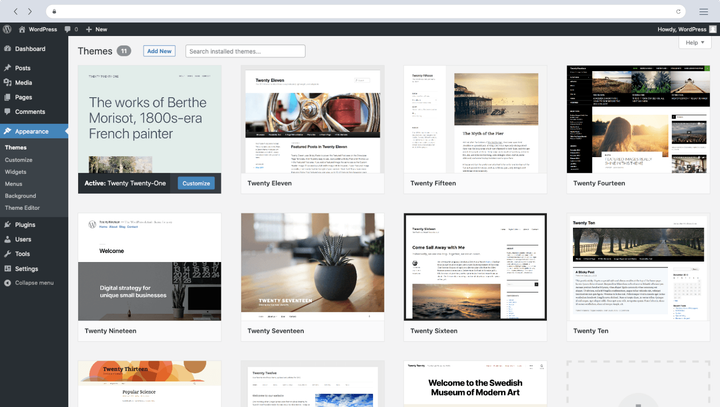
WordPress reigns as one of the most popular CMS platforms globally, renowned for its user-friendliness and extensive SEO capabilities. There is a misunderstanding that WordPress is just for blogs and small businesses but many enterprise companies use WordPress to power their websites. In the right hands WordPress can be a really powerful and user friendly CMS.
Pros:
- Robust SEO Plugins: WordPress offers powerful SEO plugins such as Yoast SEO and All in One SEO Pack, simplifying on-page optimization.
- Customization: You can easily customize URLs, titles, and meta descriptions for each page or post.
- Mobile Responsiveness: Most WordPress themes are mobile-responsive, ensuring a seamless user experience on all devices.
- Community Support: An extensive community means plenty of resources, guides, and plugins to enhance SEO.
Cons:
- Performance: Without proper optimization, WordPress sites can become slow, affecting SEO.
- Security: Security vulnerabilities may arise if themes and plugins are not kept updated.
2. Joomla
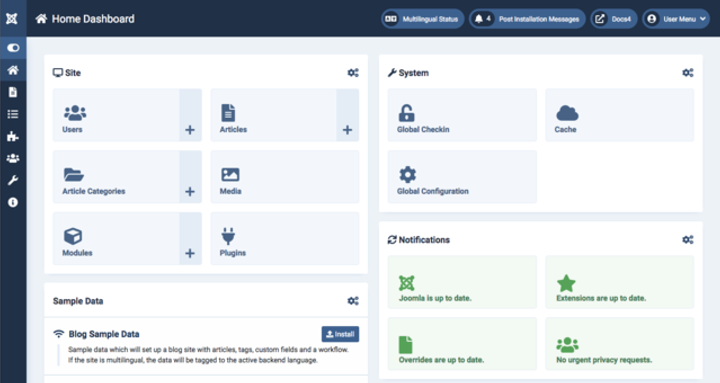
Joomla is another widely used CMS platform known for its versatility and SEO capabilities. Joomla is more suited toward users who have some website development experience because it is not as user friendly as other tools.
Pros:
- SEO-Friendly URLs: Joomla automatically generates search engine-friendly URLs.
- Structured Data: It supports structured data integration, improving the appearance of search results.
- Performance: Joomla performs well with proper optimization.
Cons:
- Complexity: Joomla can be more complex for beginners compared to WordPress.
- Smaller Community: While it has a strong user base, it's smaller than WordPress's community.
3. Drupal
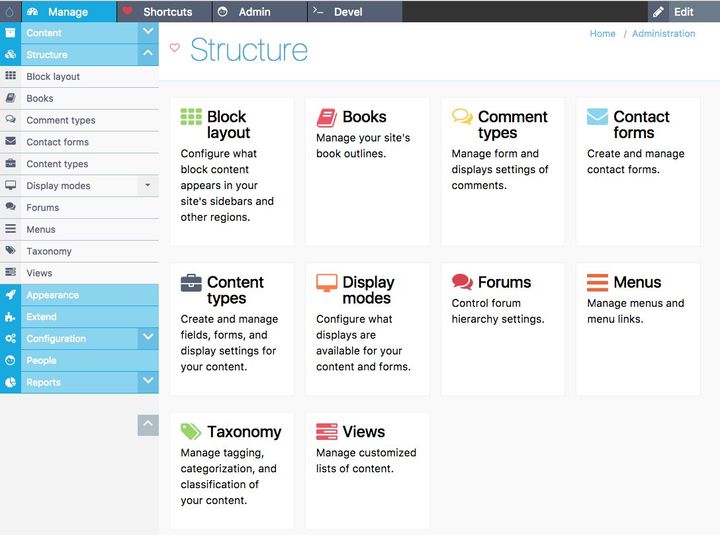
Drupal is a powerful CMS known for its scalability and SEO-friendliness.
Pros:
- Customization: Drupal offers deep customization options, allowing you to optimize every aspect of your site.
- Performance: It's known for its performance and can handle large websites efficiently.
- Security: Drupal is highly secure, which is essential for SEO.
Cons:
- Learning Curve: It has a steeper learning curve compared to WordPress.
- Plugin Availability: The number of plugins/extensions is smaller compared to WordPress.
4. Magento
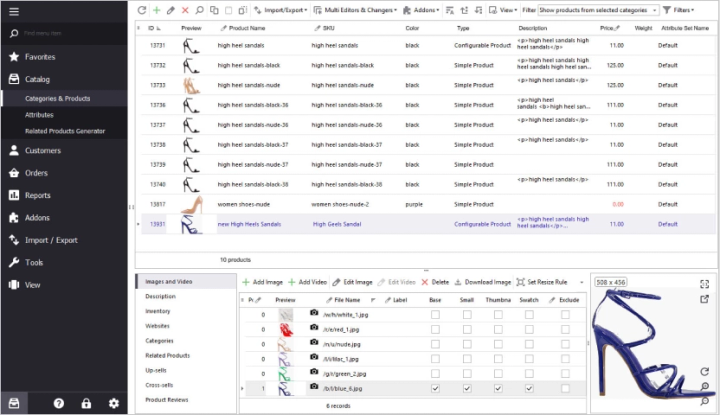
If you run an e-commerce website, Magento is a robust CMS with excellent SEO capabilities tailored for online stores.
Pros:
- E-commerce Focus: Magento's features are geared toward e-commerce SEO, including product optimization.
- Performance: It handles large product catalogs well.
- Structured Data: Supports rich snippets and structured data.
Cons:
- Complexity: It can be complex to set up and maintain, especially for smaller businesses.
- Resource-Intensive: Requires substantial server resources, which can be costly.
5. Wix
Wix is a user-friendly website builder with SEO-friendly features.

Pros:
- Ease of Use: Wix's intuitive interface makes it accessible to beginners.
- SEO Tools: It offers SEO tools like customizable meta tags, image optimization, and sitemaps.
- Mobile Responsiveness: Wix sites are mobile-responsive by default.
Cons:
- Limited Customization: It may not offer the same level of customization as other CMS platforms.
- URL Structure: Some users find it less flexible in managing URL structures.
6. HubSpot CMS
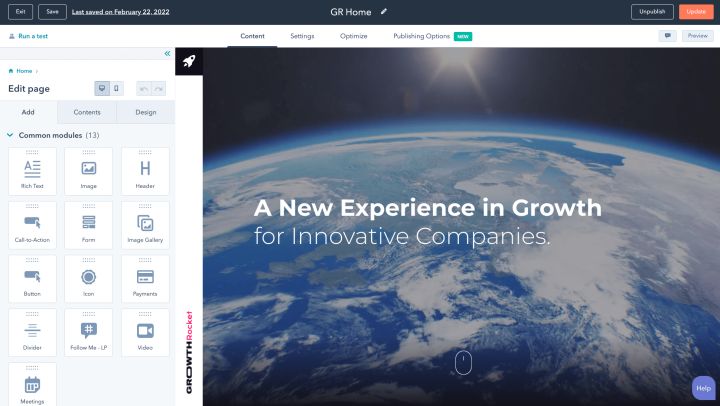
HubSpot's CMS offers a seamless blend of content management and inbound marketing, making it a strong choice for SEO-conscious businesses.
Pros:
- Integrated SEO Tools: HubSpot provides built-in SEO recommendations, content optimization tools, and performance analytics.
- Content Personalization: Tailor content for different segments of your audience, enhancing user engagement and SEO.
Cons:
- Pricing: HubSpot can be relatively costly, especially for small businesses.
- Learning Curve: While user-friendly, it may take some time to harness the full power of HubSpot's CMS.
7. Webflow
Webflow offers a unique approach to web design and content management with a focus on both design flexibility and SEO optimization.

Pros:
- Design Freedom: Webflow empowers users to create highly customized and visually stunning websites.
- SEO-Friendly Structure: It provides granular control over SEO elements like meta tags and headers.
Cons:
- Learning Curve: Webflow's design tools may require a learning curve, particularly for beginners.
- Pricing: Advanced features come with a premium price tag.
8. Squarespace
Squarespace is known for its simplicity and elegant design templates, but it also offers SEO capabilities.

Pros:
- User-Friendly: Squarespace's drag-and-drop interface is beginner-friendly.
- SEO Tools: It includes SEO features like customizable URLs, metadata, and automatic sitemaps.
Cons:
- Customization Limits: While user-friendly, Squarespace may limit advanced customization compared to other CMS platforms.
- E-commerce Complexity: Advanced e-commerce features can be complex to set up and maintain.
Conclusion
The choice of the best CMS platform for your SEO needs depends on your specific requirements and objectives. WordPress remains a popular choice for its versatility and extensive plugin support. Other options like Joomla, Drupal, Magento, Wix, HubSpot CMS, Webflow, and Squarespace have their unique strengths and weaknesses. Ultimately, your SEO success will depend not only on your CMS choice but also on content quality, keyword research, and consistent optimization efforts.
Contributed by
SaaS Hackers